
United Logistics
United Logistics es un producto de operación de flota: procedimientos definidos para peajes (Paso Rápido), combustible, telemática y reportes ejecutivos. No es una plataforma genérica — cada módulo tiene un flujo de trabajo pensado para el día a día del operador.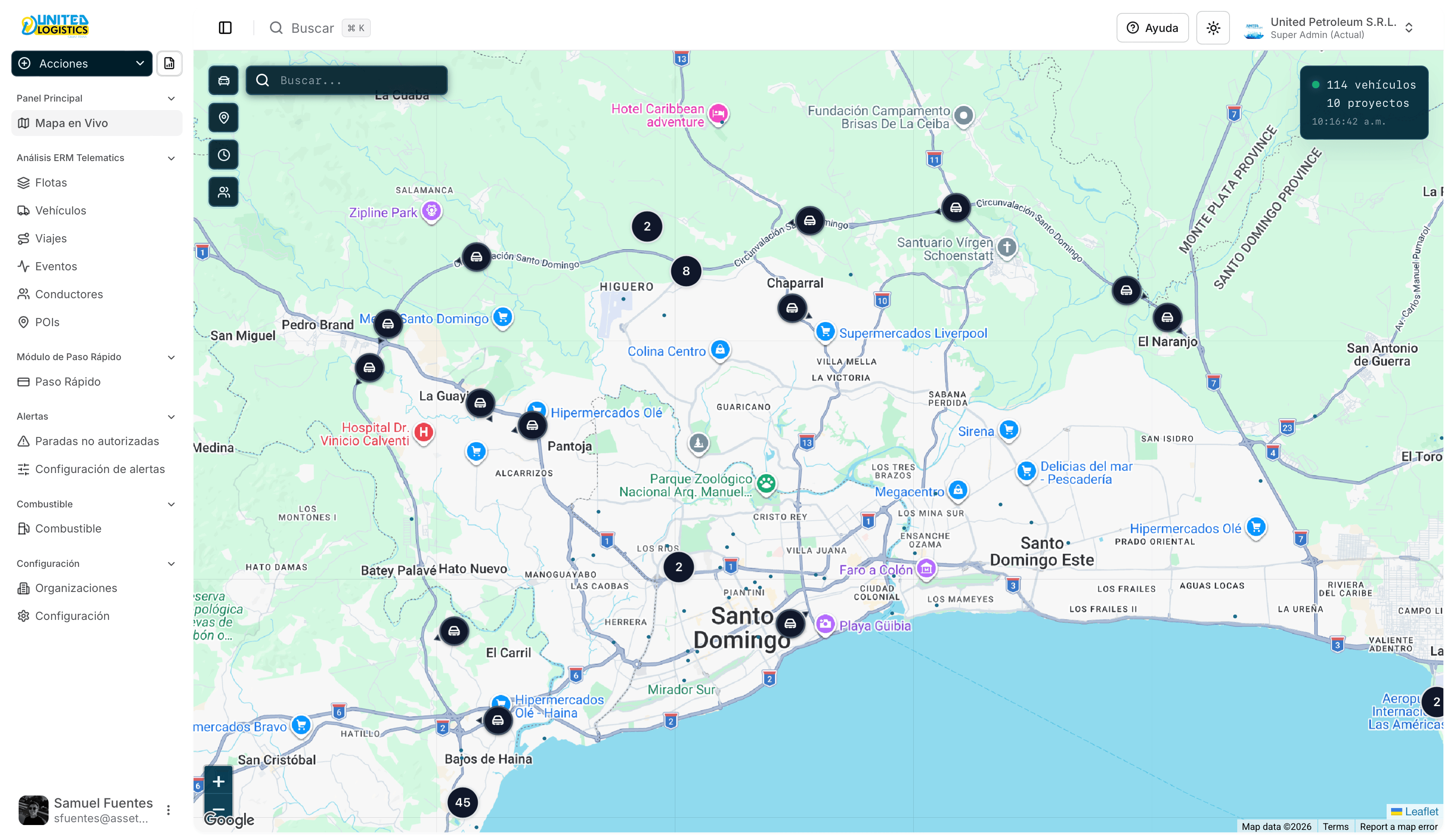
Qué puede hacer con el producto
Paso Rápido
Asignar tags, importar consumos de peaje, validarlos contra GPS y generar el informe PDF.
Combustible
Entradas, importación y manual de rendimiento (rutas, ralentí, PARAM).
Flota y telemática
Mapa en vivo, flotas, vehículos, viajes, eventos, conductores y POIs.
Reportes
Conducción, jornada, velocidad, paradas no autorizadas y más.
Flujo típico del mes (Paso Rápido)
- Mantenga al día las asignaciones de tags.
- Importe el archivo de peajes (solo registros PASE).
- Valide contra telemetría.
- Resuelva casos dudosos con revisión manual.
- Genere el reporte de consumos o exporte a Excel.
Empezar
La pestaña API documenta la REST v1 para integraciones. El día a día del operador está en este Manual de uso.
Soporte
- Aplicación: app.unitedlogistics.com.do
- Documentación: docs.unitedpetroleum.app
- Correo: sfuentes@assetmg.tech